

Prepare the file, compare the records, verify the public result.
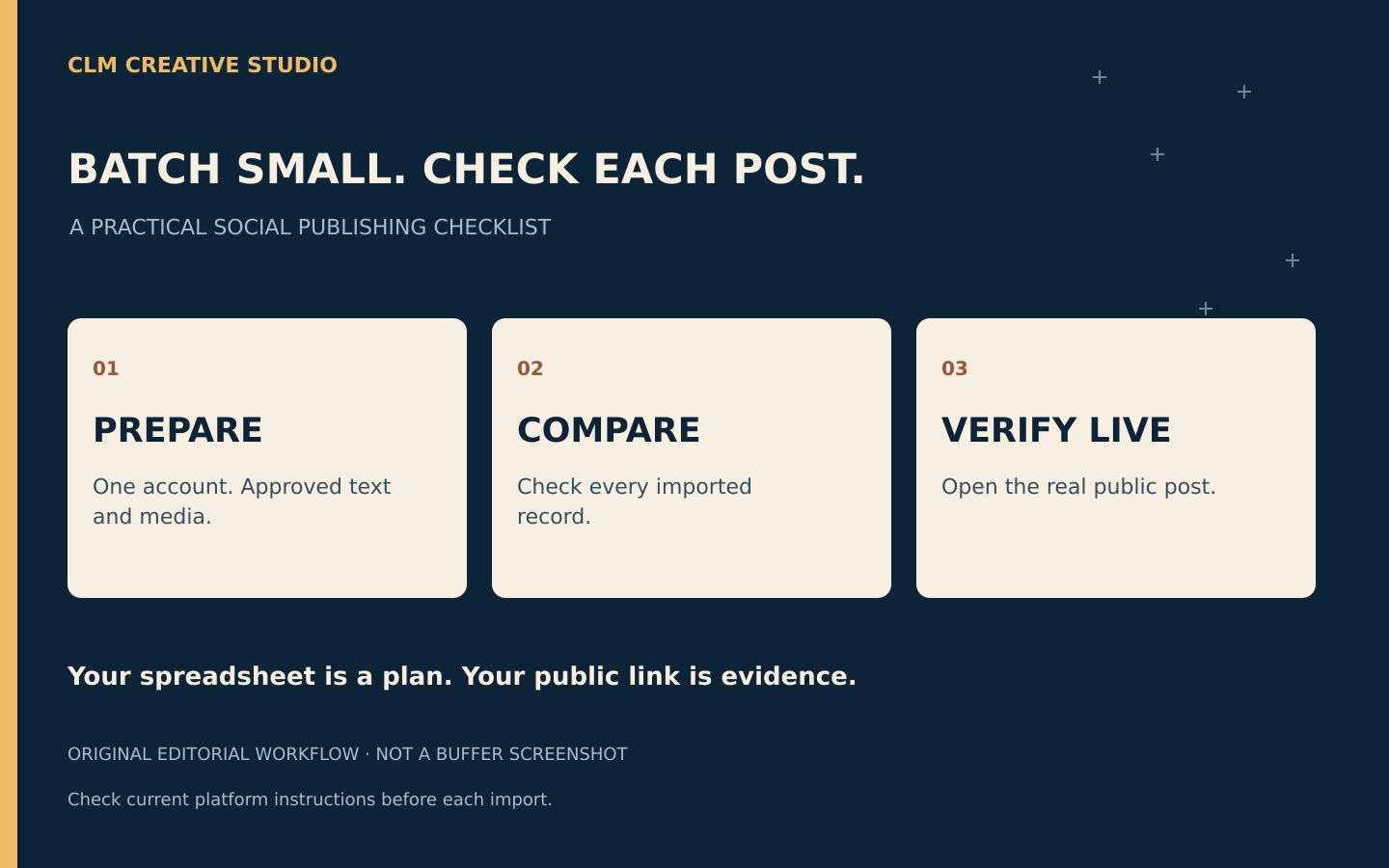
CLM Creative Studio · Practical publishing workflow
A spreadsheet full of captions feels like a finished campaign. It is really a handoff between writing and publishing. A controlled import gives you a chance to catch the wrong photograph, an outdated offer or a caption attached to the wrong account before an audience sees it.
What Buffer currently supports
Buffer’s official guide, checked November 16, 2026, documents CSV imports for text and single-image posts, not video or carousels. YouTube bulk upload is excluded. Free accounts can import up to ten posts per channel, subject to remaining queue space; paid plans allow up to 100 per channel per upload. Excess rows may be skipped without an error.
Download the current template for the intended channel. Preserve its case-sensitive headings and export CSV, not an Excel workbook. Images need publicly reachable direct image links. A preview is not a saved import: the final choice is between adding posts to the queue and saving drafts. These details can change; use Buffer’s official bulk-upload instructions for current field formats and troubleshooting.
Keep your working ledger separate from the upload file
Our suggested ledger has six columns: a local post ID, intended account, reader purpose, image filename, destination link and review decision. This is your internal working sheet, not a replacement for Buffer’s required template. Put only the supported fields in the exported import file.
A post ID such as CAFE-07 gives you something stable to compare when the caption changes. “Wednesday special” is a weak identifier because next week has another Wednesday. Keep the ID in your own ledger rather than inserting operational labels into the customer-facing caption.
Make a small rehearsal batch
Choose three approved posts with different characteristics: one short caption, one with a destination link and one with an image. Read each as a customer would. Does the opening make sense without yesterday’s post? Does the link answer the promise? Does the image show something you actually have permission to publish?
Use a fictional café exercise to practise: one post explains how to find the menu, one describes a real service and one answers a frequently asked question. Do not invent customer praise, discounts or opening hours to fill empty cells. If a detail is unknown, resolve it before moving that row into the approved batch.
Compare records, not just totals
After the import, compare each approved ledger entry with what actually appears in the destination. Three visible posts could still include one duplicate and one missing item. Check account, caption, media and chosen state individually. If you intended drafts, verify drafts; a successful scheduling action is not the same result.
Record discrepancies on the affected rows. Fix and retry only those items rather than uploading the whole file again. Before scheduling, review the channel’s displayed timezone and dates and confirm that the business owner has approved the actual content and release plan.
Close the loop after publication
Keep a public-link column in your ledger. Fill it only after opening the real platform post and checking that the caption, link and image survived publication. A queue entry proves preparation, not audience delivery. The goal is a dependable trail from an approved idea to a checked public result, not the largest possible upload.
The ledger, rehearsal and comparison method here are original editorial recommendations. No import, campaign result or client endorsement is claimed. This article does not require buying or upgrading a plan.
